
01
Real part geometry
LDraw meshes preserve studs, holes, gears, and Technic details with clear 3D rendering.
Jimu · 3D brick builder
Browse the model library, place parts step by step, save progress, and pick up from any brick.
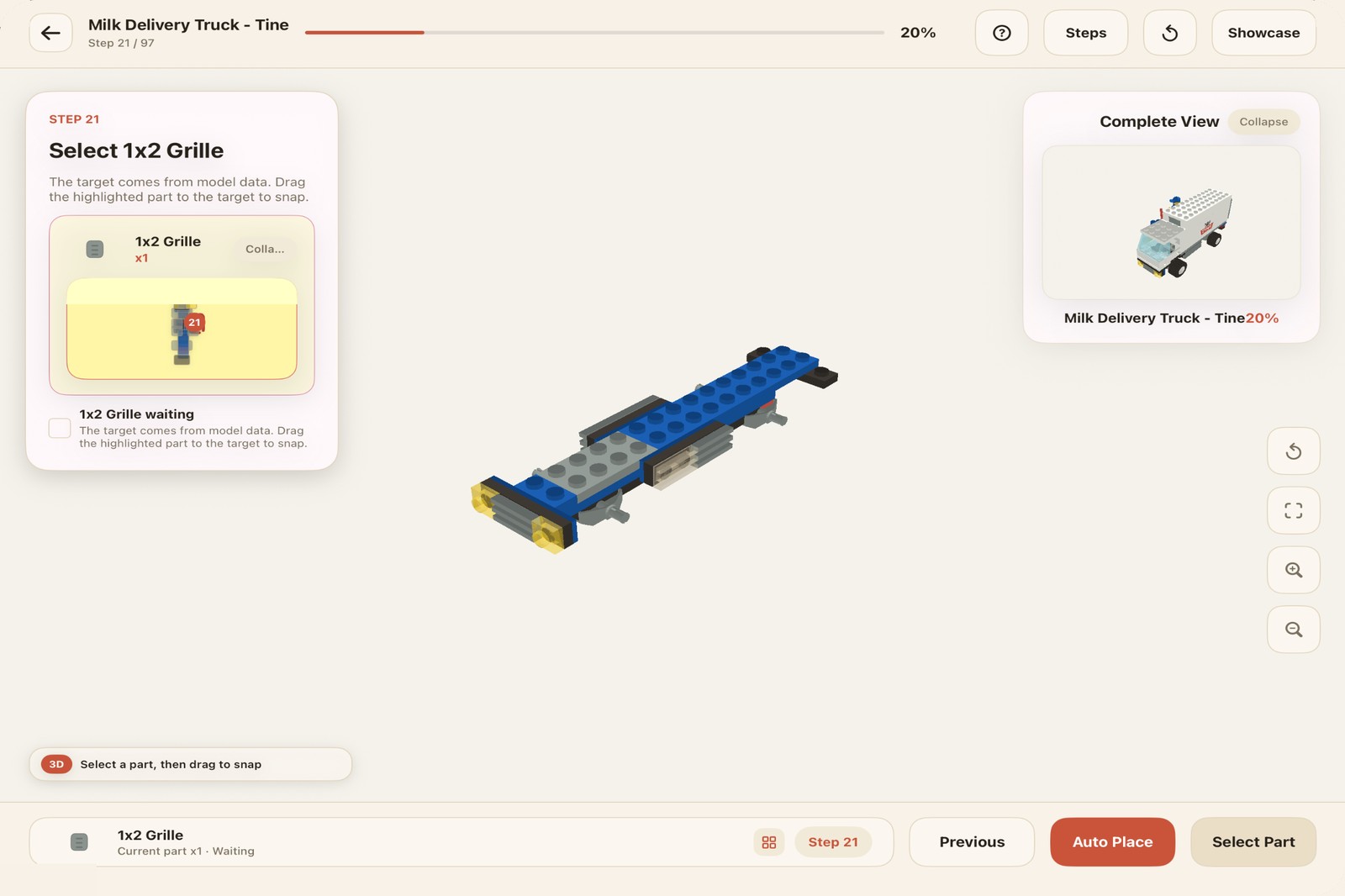
BUILD FLOW
Jimu follows the real product path: find a model, inspect the structure, build step by step, save progress, then continue later.
LDraw meshes preserve studs, holes, gears, and Technic details with clear 3D rendering.
Progress, held parts, placement marks, and assisted placement help builders keep pace.
Browse by theme, save favorites, keep completion records, and continue from your last step.
Large model packs download on demand, keeping the app lighter while the library keeps growing.
PRODUCT VIEW
Large screens show the full model. Small screens keep every step readable. Saved progress returns you to the exact place you stopped.
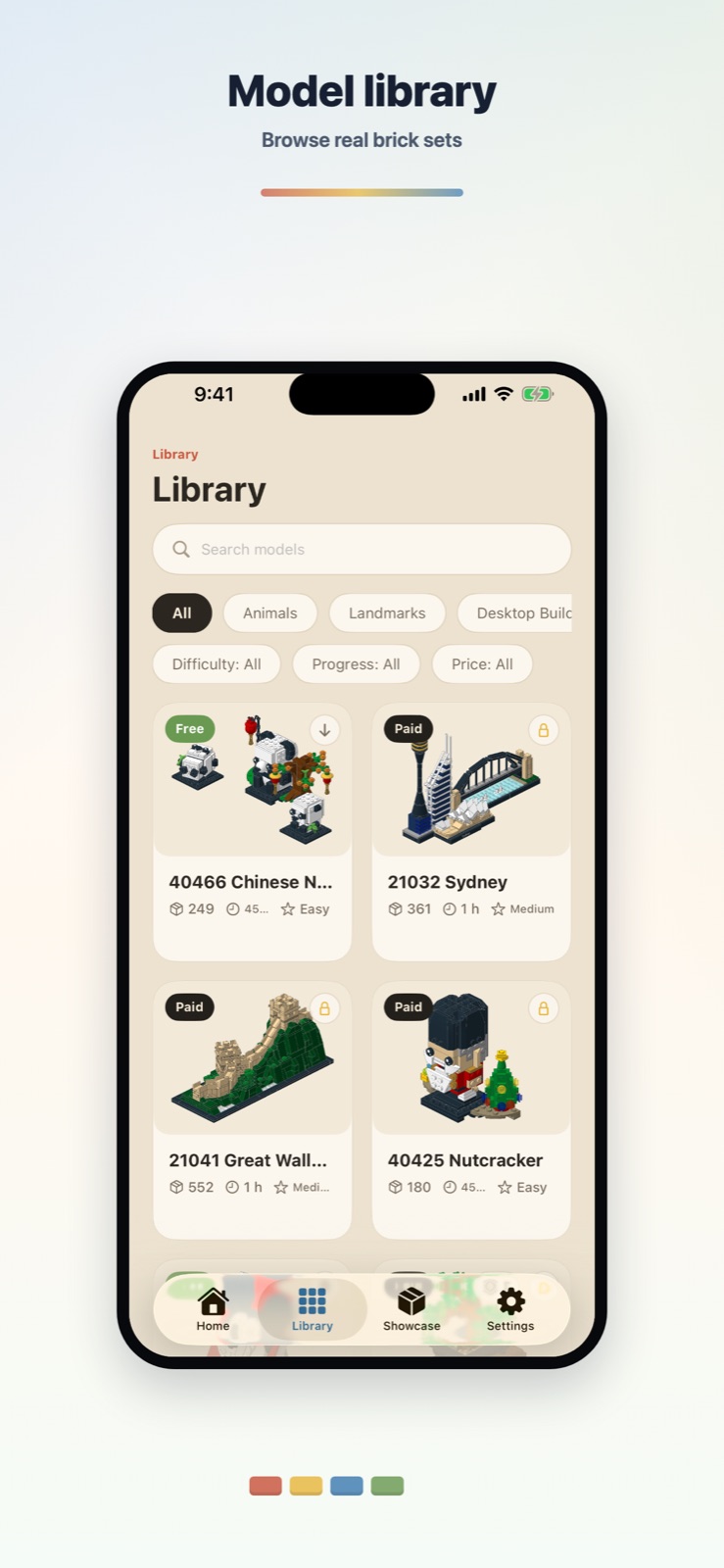
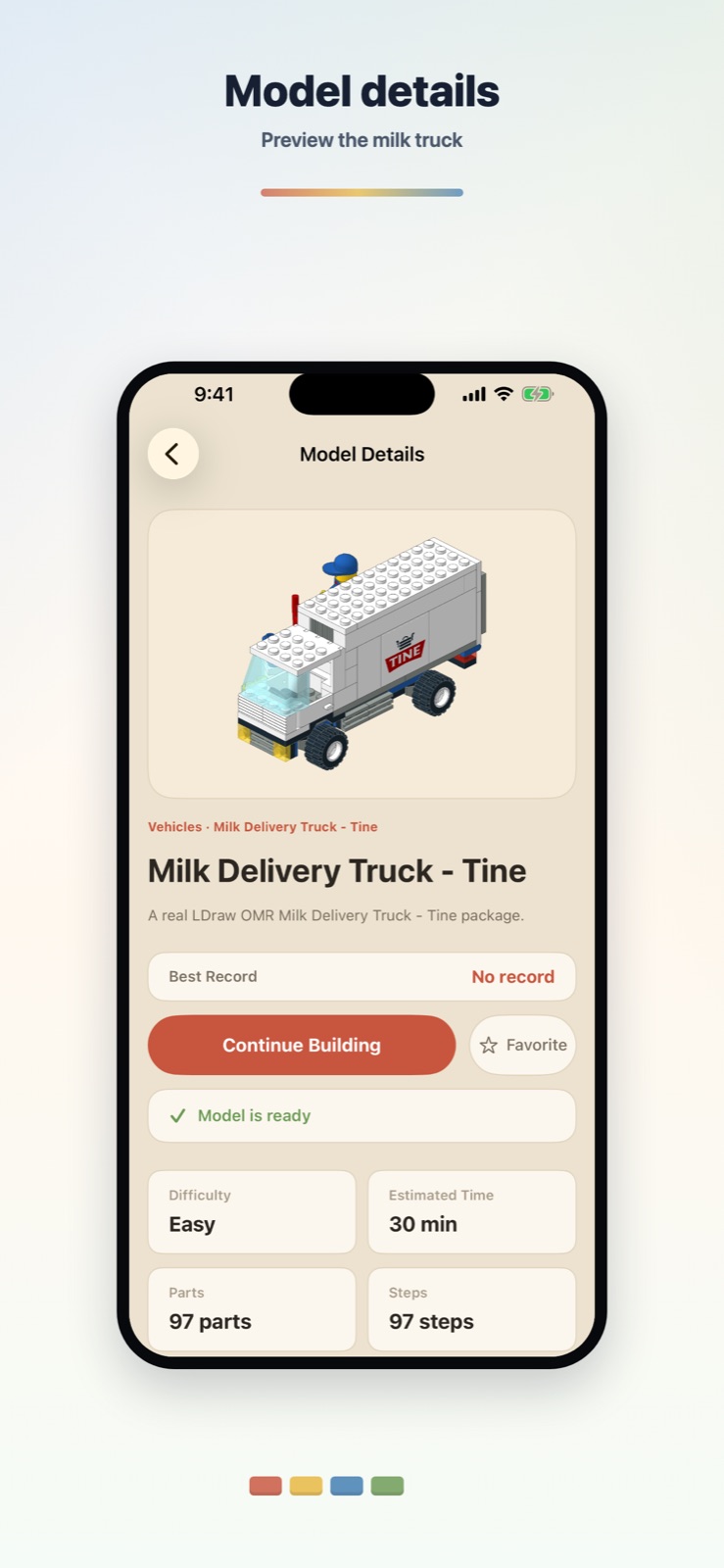
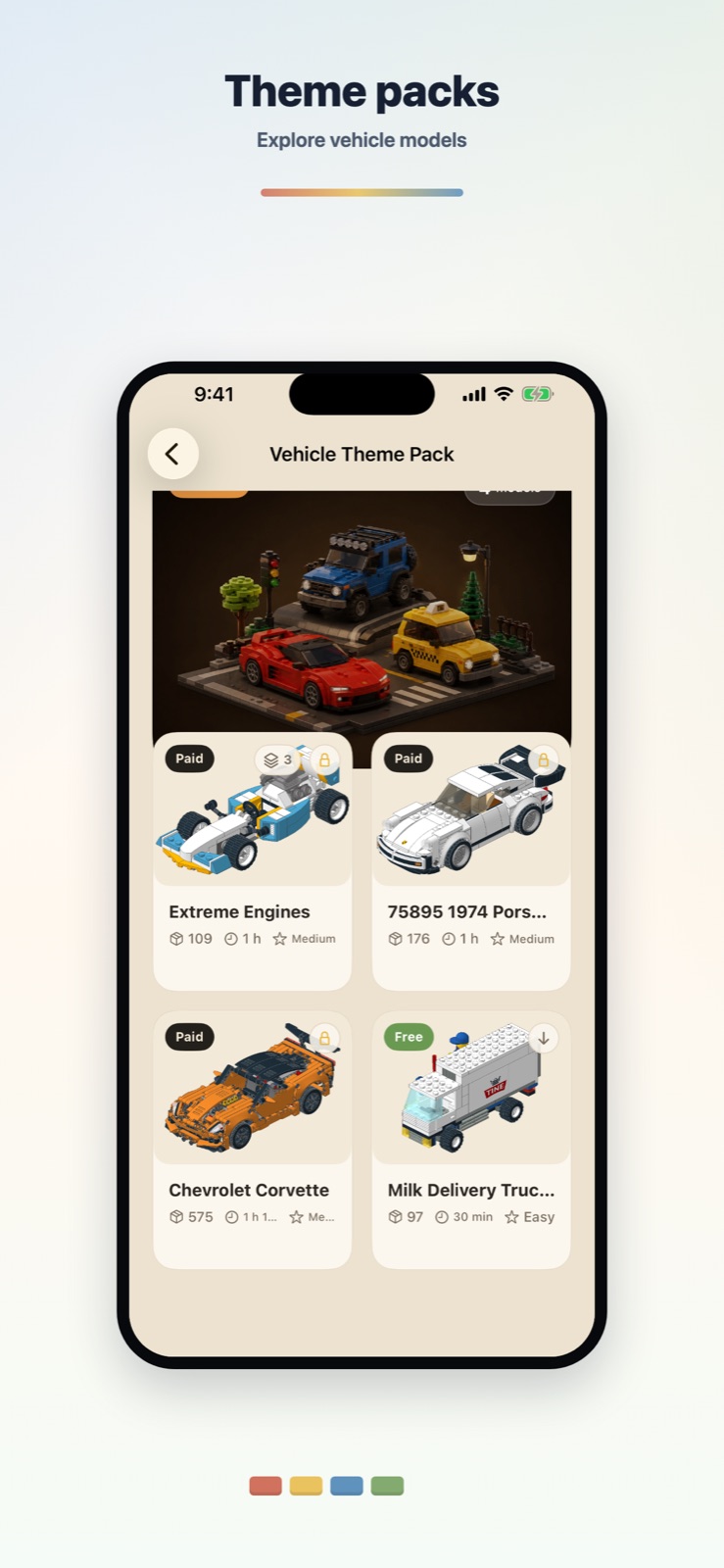
MODEL CATALOG
Browse released models in the library and click any card to rotate and inspect the finished 3D build.
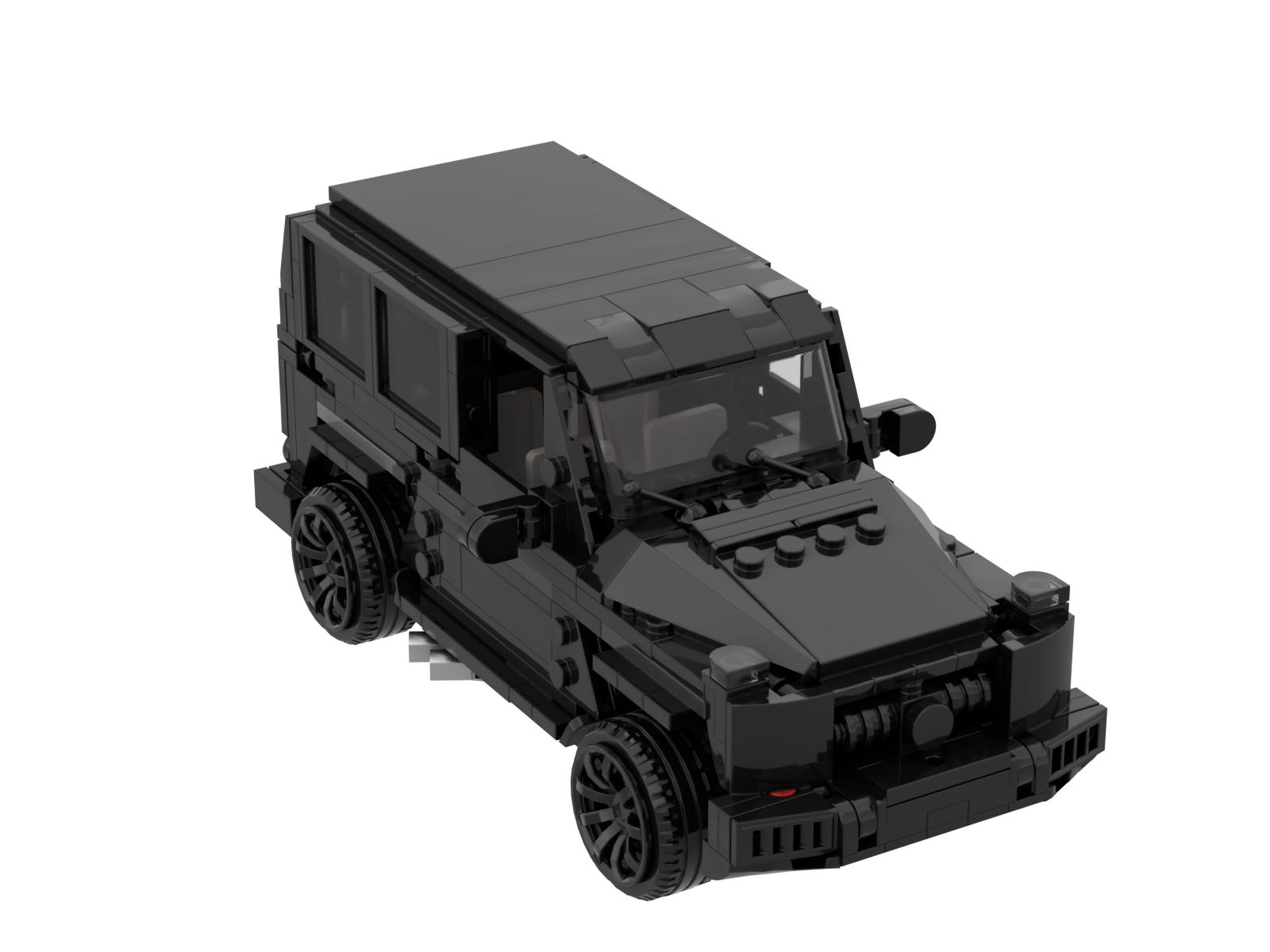 Off-Road Vehicle
Clear body, wheel, and front details for an approachable vehicle build.
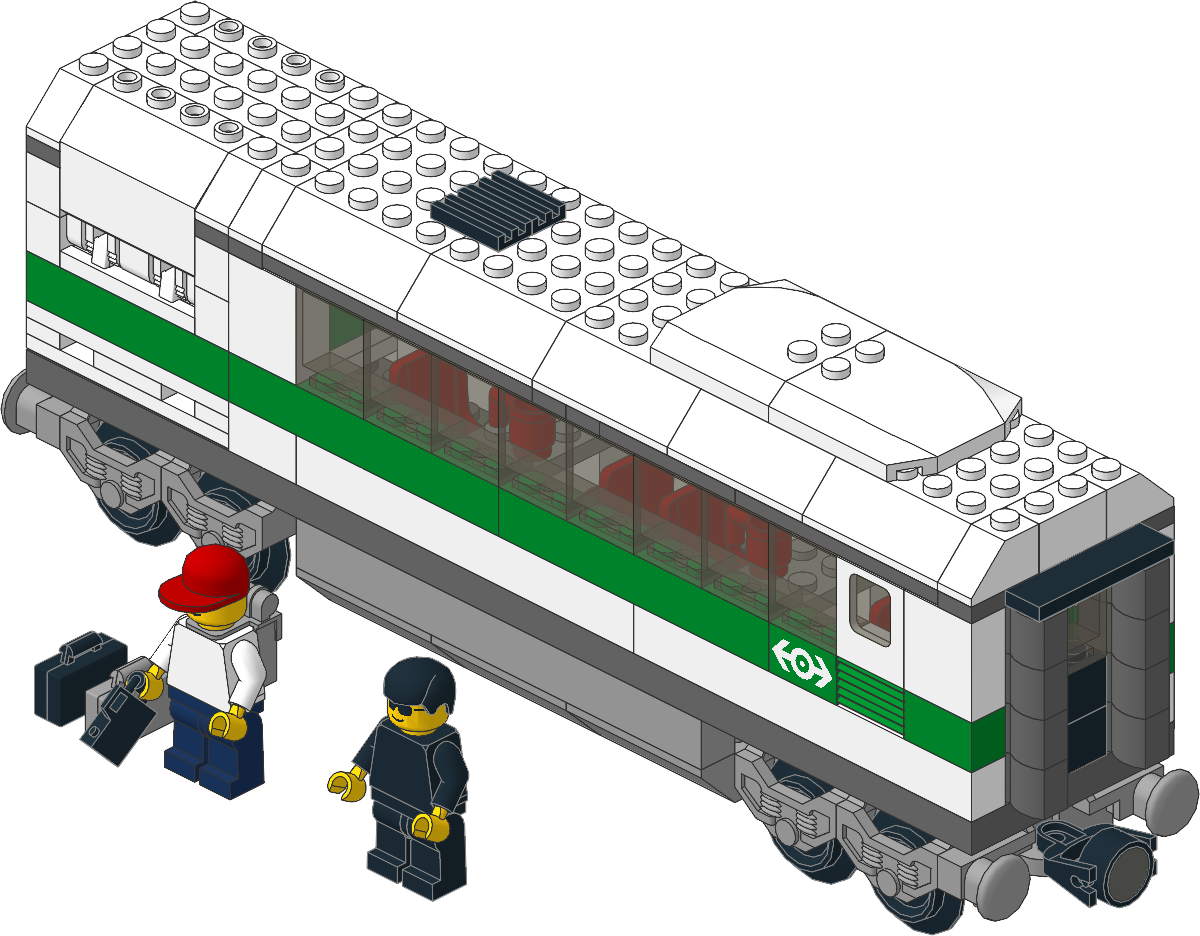 High Speed Train Car
Compact carriage structure for practicing repeated and mirrored steps.
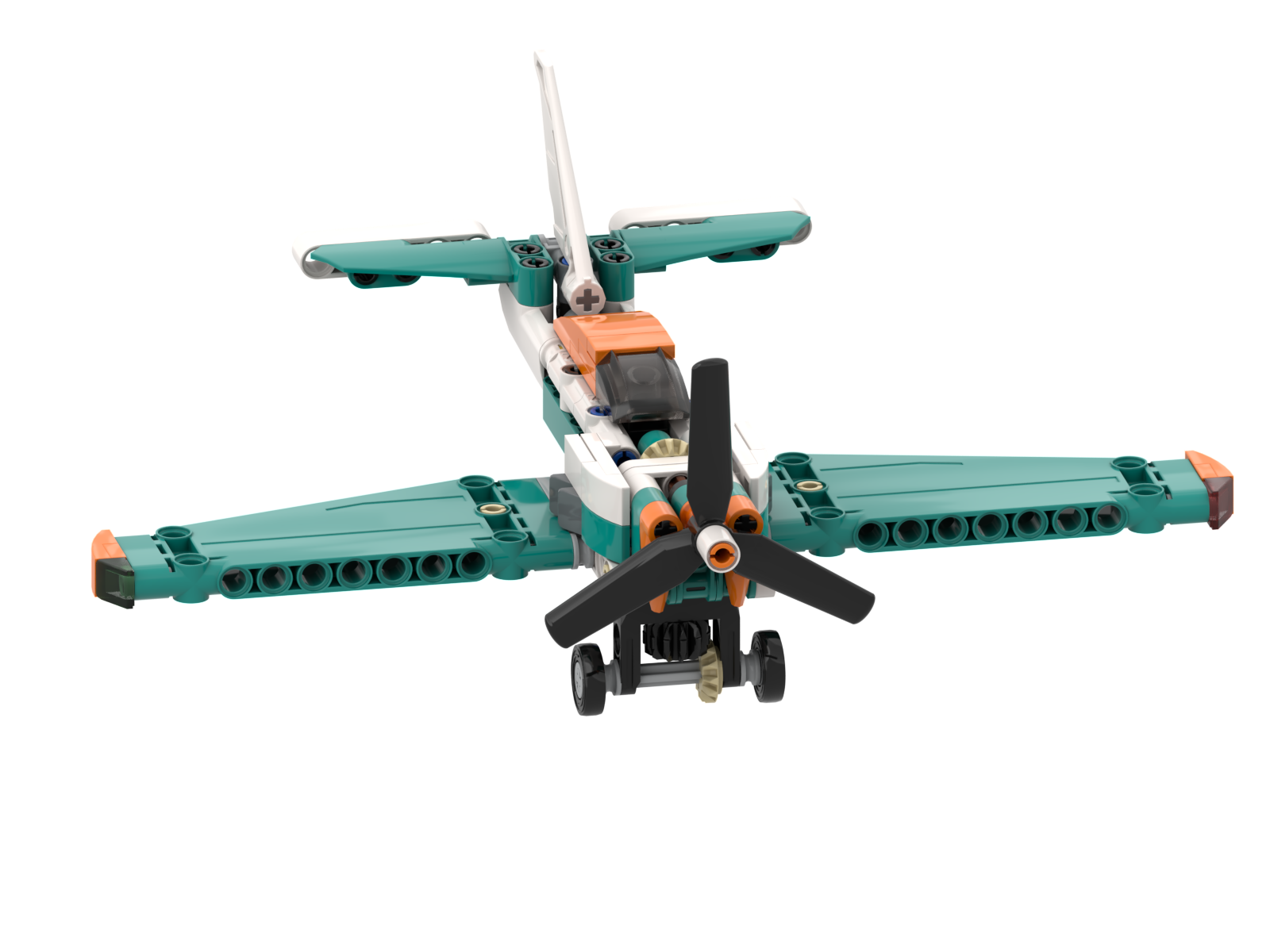 Propeller Plane
Wings, tail, and propeller details make a brisk aircraft build.
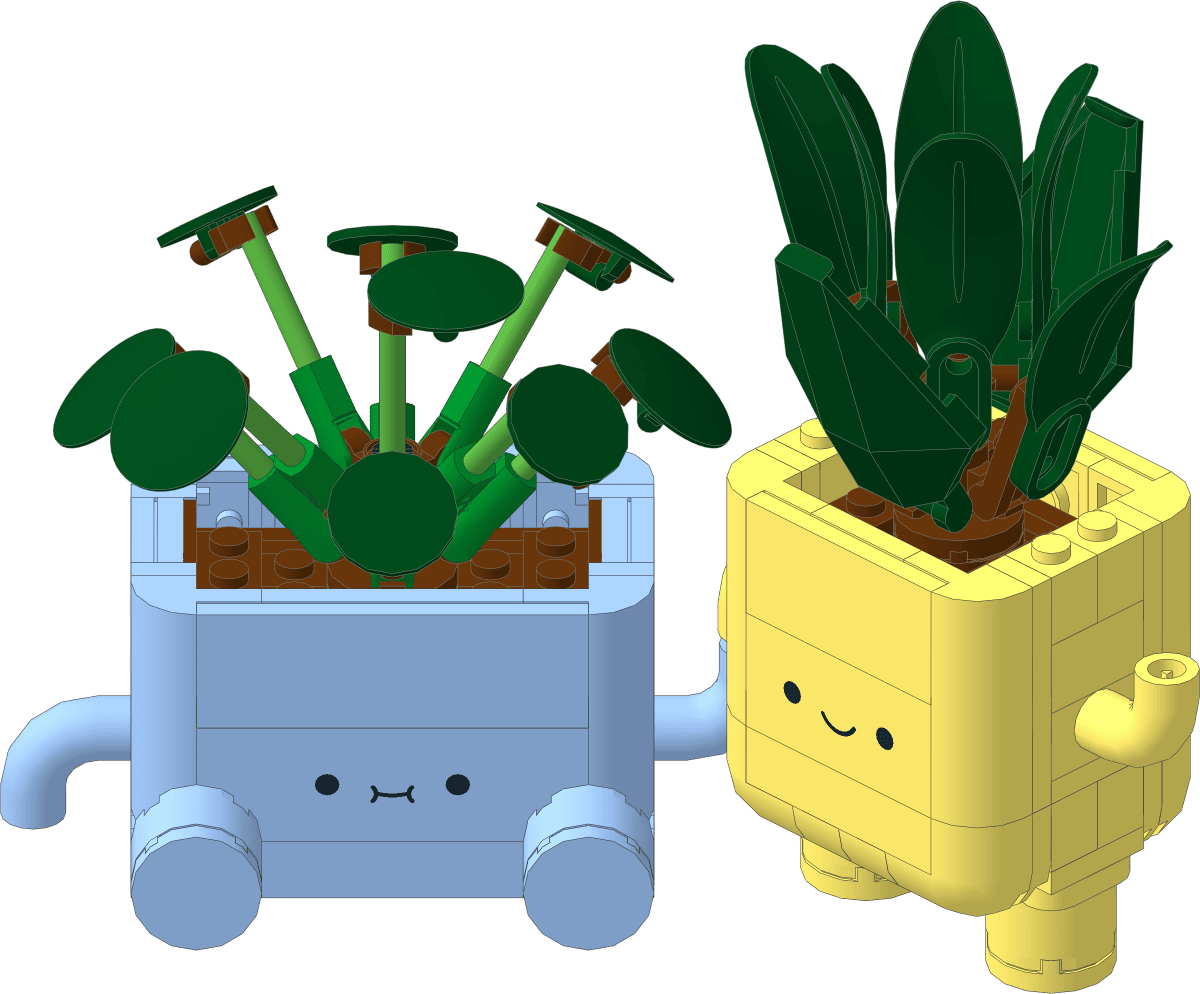 Happy Plants
A colorful desktop build with small-volume steps and a satisfying finish.
Jimu now supports iOS and HarmonyOS. Use App Store on Apple devices or Huawei AppGallery on HarmonyOS devices.